
To get the mobile app, your first need to download it from the app store or Google Play, depending on what operating system you are using.


Type in the name ‘AMC Banking’ and download the app.
When you open the app the first time, you are presented with this screen:
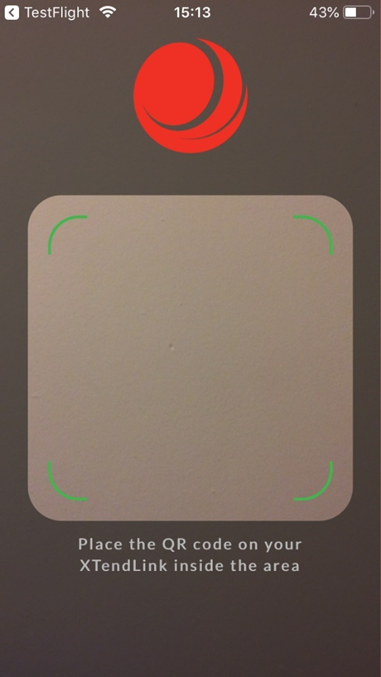
Scanning the QR code #
You can find the QR code on your XTendLink account. Log in to XTendLink with your user and click on account settings in the upper right corner.

Scan the QR code, using a QR scanner on your phone. This will give your access to your XTendLink.
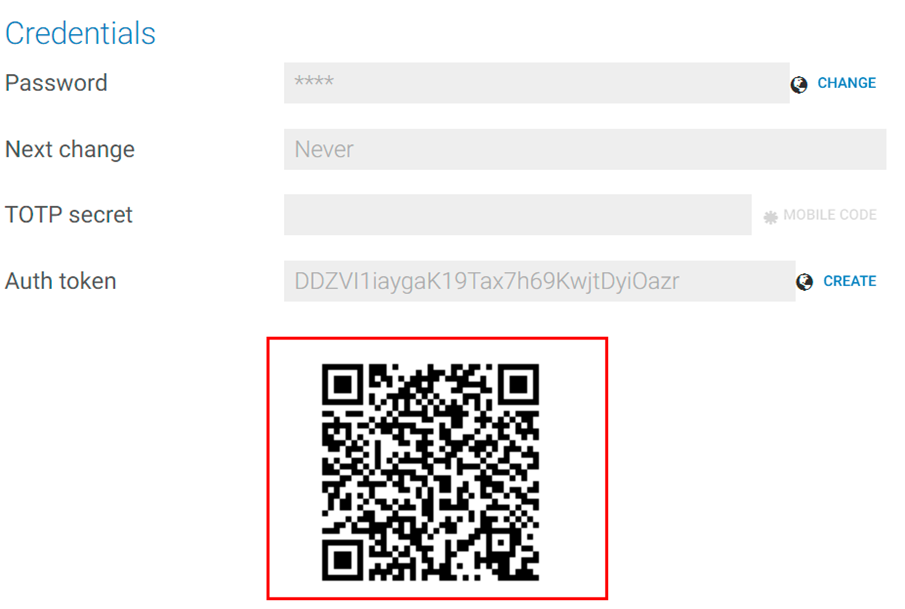
After you have scanned this code, you can now scan the QR code on the XTendLink login page
Logging in #
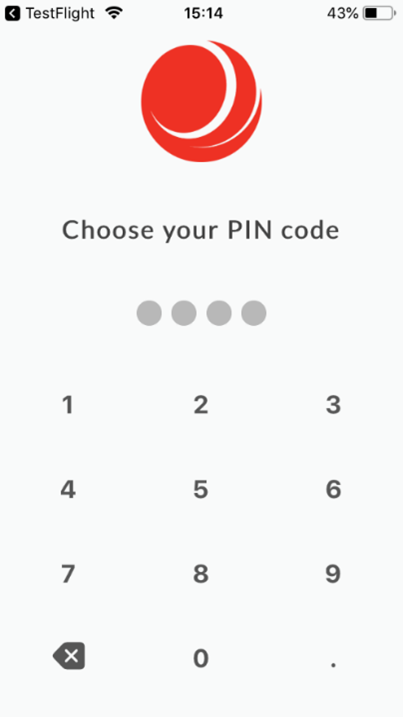
The first time you use the app, you need to choose a PIN code and confirm it. If you are using Android, you have the possibility to use fingerprint to authenticate your login. If you are using IOS, you have the possibility to choose Face ID as well as Touch ID to login to your account.
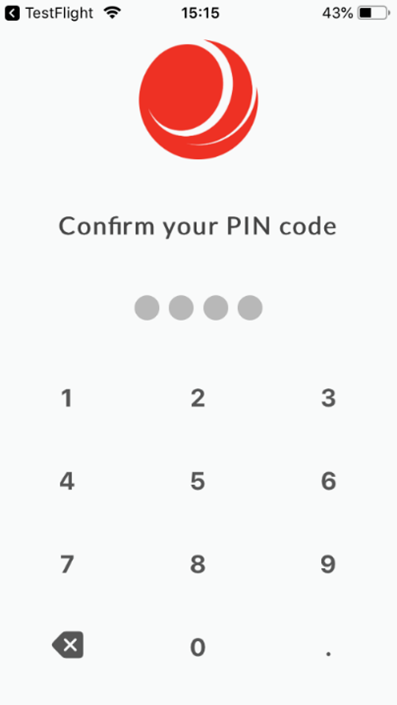
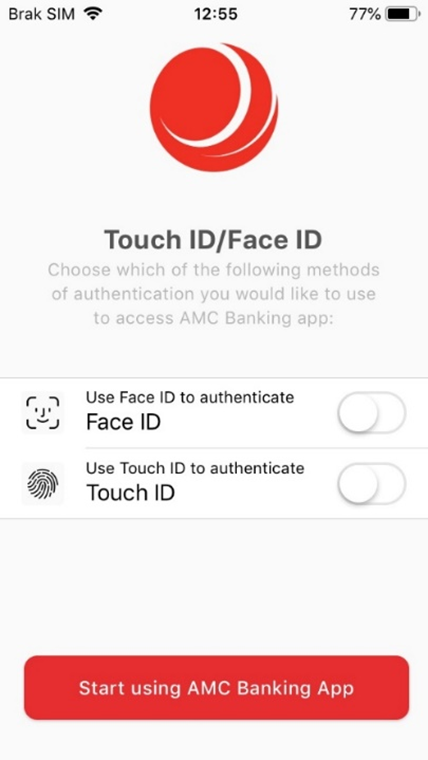
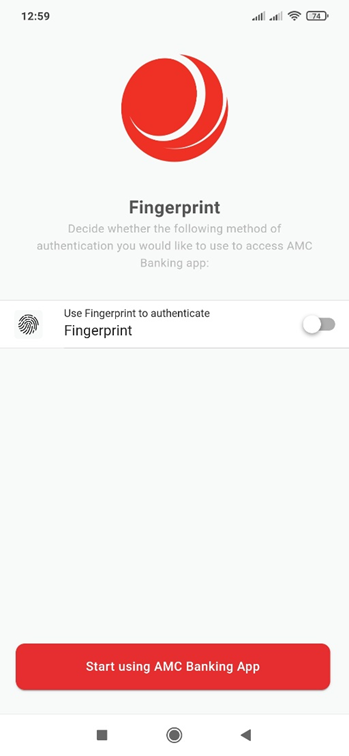
have followed the previous steps, you should be ready to use the application.