
For technical reasons you can’t be 100% sure who has approved a payment journal in AMC-Banking, without looking in Xtendlink
Login to Xtendlink and go to Home – Outbound and find the journal in question
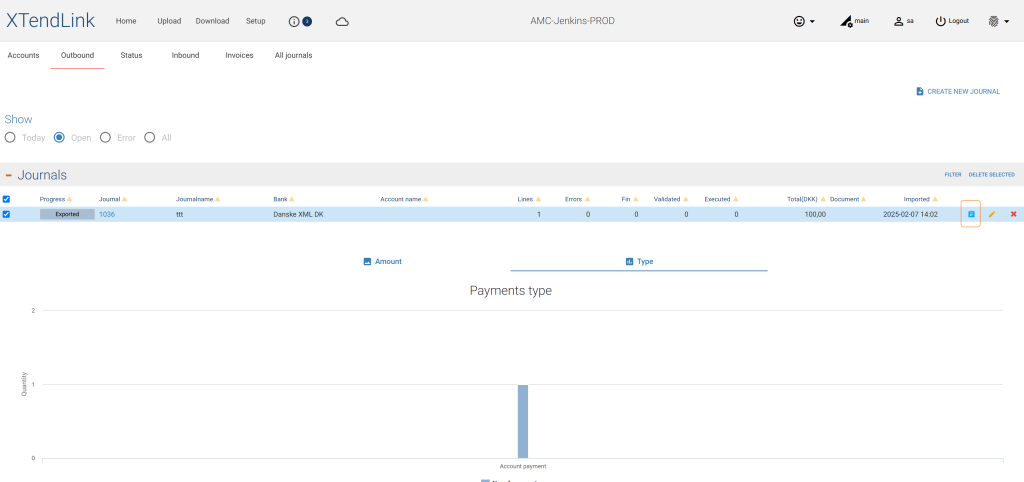
Click on the blue Icon to the right, on the journal line
This will open a screen showing the input line coming from the ERP system, and an output line send to the bank
If you click the pencil on the output line, you can see who has approved the journal and when.
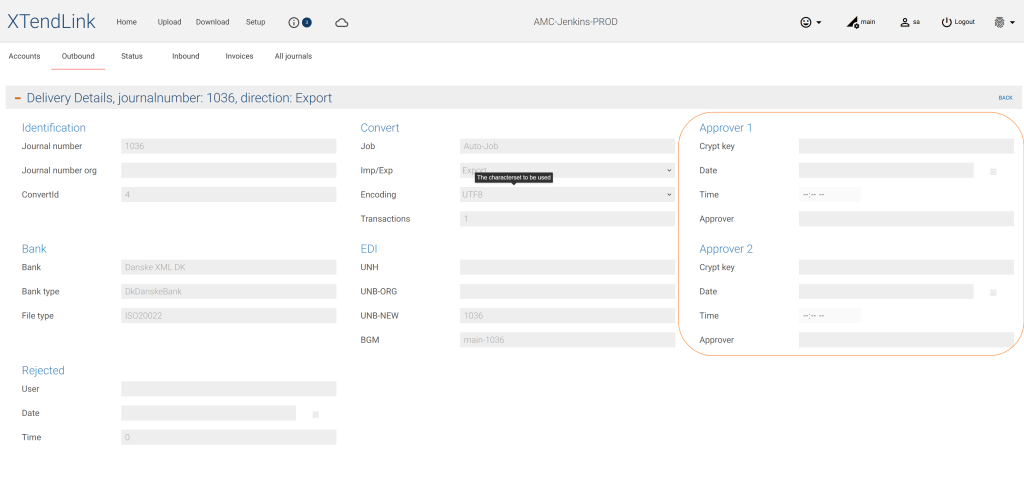
The payment journal can be approved from several places, from the ERP system, from within Xtendlink or from our App.